
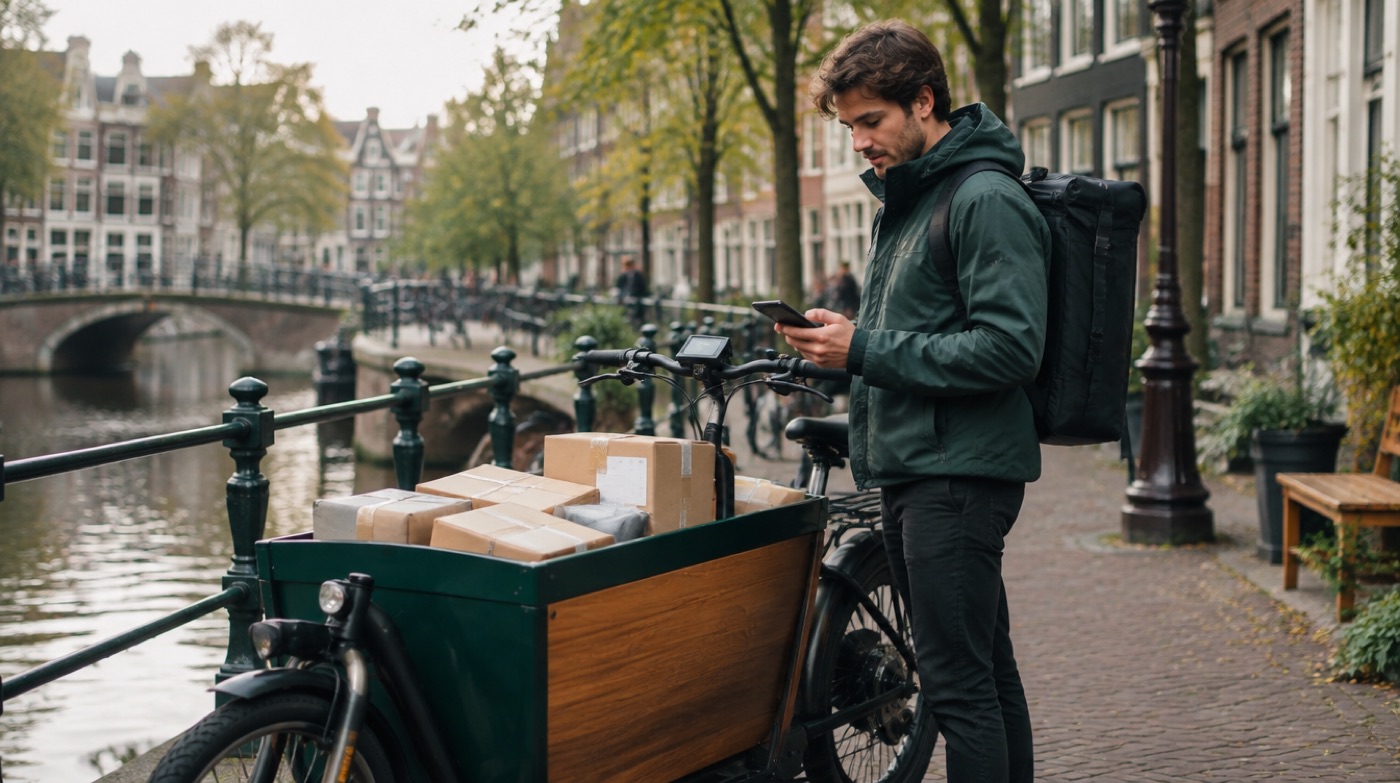
What customers send a courier on WhatsApp
Delivery questions are short and urgent. A customer wants to know if the parcel comes today, says they are not home, or sends a pinned location because the address is hard to find. Most of these questions can only be answered by the person who is driving the route, and the answer is only useful if it arrives before the driver reaches the door.
| Message | Example | Who should handle it |
|---|---|---|
| Where is my delivery? | "Is my parcel coming today?" | Driver of the day or dispatcher |
| Delivery instructions | "Not home, please leave it with number 12" | Driver on the route |
| Location | A pinned location for a hard-to-find entrance | Driver on the route |
| New pickup or quote | "Can you collect two boxes tomorrow?" | Owner or office |
| Problem or complaint | A photo of a damaged parcel | Owner |
Why the office phone becomes the bottleneck
In a small courier business the WhatsApp number usually lives on the owner's or office phone. Every delivery question becomes a relay: read the message, call the driver, wait until they can pick up, then type the answer back. Drivers cannot take calls all day, so the customer waits, and sometimes the driver arrives at a closed door while the instruction "leave it with the neighbour" is still unread at the office.
Your options, from free to a full platform
- The office relays everything. Free, but slow, and the office becomes the switchboard.
- Linked devices. A driver logs in to the business account as a linked device (WhatsApp allows up to 4). It works, but the driver sees every chat and every customer number, also on days off. See WhatsApp access for a coworker.
- Dispatch software or a Business API platform. If many drivers are on the road at the same time and you want automatic status messages per stop, you need route or dispatch software, or a Business API platform. That costs more and takes longer to set up, but it is built for fleets.
- Automatic forwarding to one person with InBetween. Customer messages go to the driver of the day or the dispatcher, without anyone in between.
How it works for a small courier business
You connect your existing WhatsApp or WhatsApp Business number by QR code or pairing code, like WhatsApp Web, and enter the number of the person who should receive customer messages. A customer writes "Not home, can you leave it at the back door?" and adds a location. The driver receives it in their own WhatsApp as "Customer 4", with the customer number hidden by default. Once parked, the driver replies "Will do, around 3 pm" and the customer receives that from your business number. The owner can read along in the dashboard.
Photos work both ways, so a driver can send a photo of where the parcel was left. The next day you change the coworker to another driver, and in the evening you press Pause so messages wait until the morning.
How it works, in 3 steps
- Create an account at app.in-between.tech with your email address and a password. No card needed.
- Connect WhatsApp: scan the QR code or enter the pairing code, exactly like WhatsApp Web. Your phone keeps working as normal.
- Enter your coworker's number. From then on every customer message reaches your coworker. When they reply, the answer goes back to the customer from your business number.
Photos, locations, voice notes and documents come along. With Pause you stop forwarding temporarily, for example in the evening. Messages wait until you switch it back on.
Forward customer messages automatically. Replies go back from your number.
Try free for 30 daysHonest limits
- One coworker per customer. A customer stays with the coworker who accepted them, with up to 2 coworkers on Pro and 20 on Pro+. It does not split messages by route automatically.
- No tracking. InBetween does not send automatic delivery updates. It forwards messages and replies, nothing more.
- Drive first, reply later. Agree with drivers that they answer when parked. A short reply at the next stop is fast enough for most customers.
- Not an official Meta product. It uses linked-device technology, not the WhatsApp Business API, and the app dashboard is currently in Dutch.
Frequently asked questions
Can several drivers each receive their own customers?
Yes, on Pro (up to 2 coworkers) or Pro+ (up to 20). A new customer is offered to all drivers, the first to answer Yes gets that customer, and you can switch a customer in the dashboard. It does not assign by route automatically.
Do pinned locations and photos come through?
Yes. Locations, photos, voice notes and documents are forwarded. Photos the driver sends back, for example of where a parcel was left, reach the customer from the business number.
Can my coworker see customer phone numbers?
Not by default. Your coworker sees "Customer 1", "Customer 2" and so on. You can choose to show numbers in the dashboard.
How much does it cost?
New accounts get 30 days of Pro+ free without a card. After that you can stay on free Basic (25 customer messages per month), or choose Pro at €87 per month (2,000 messages) or Pro+ at €142 per month (unlimited). Cancel monthly.