
Example
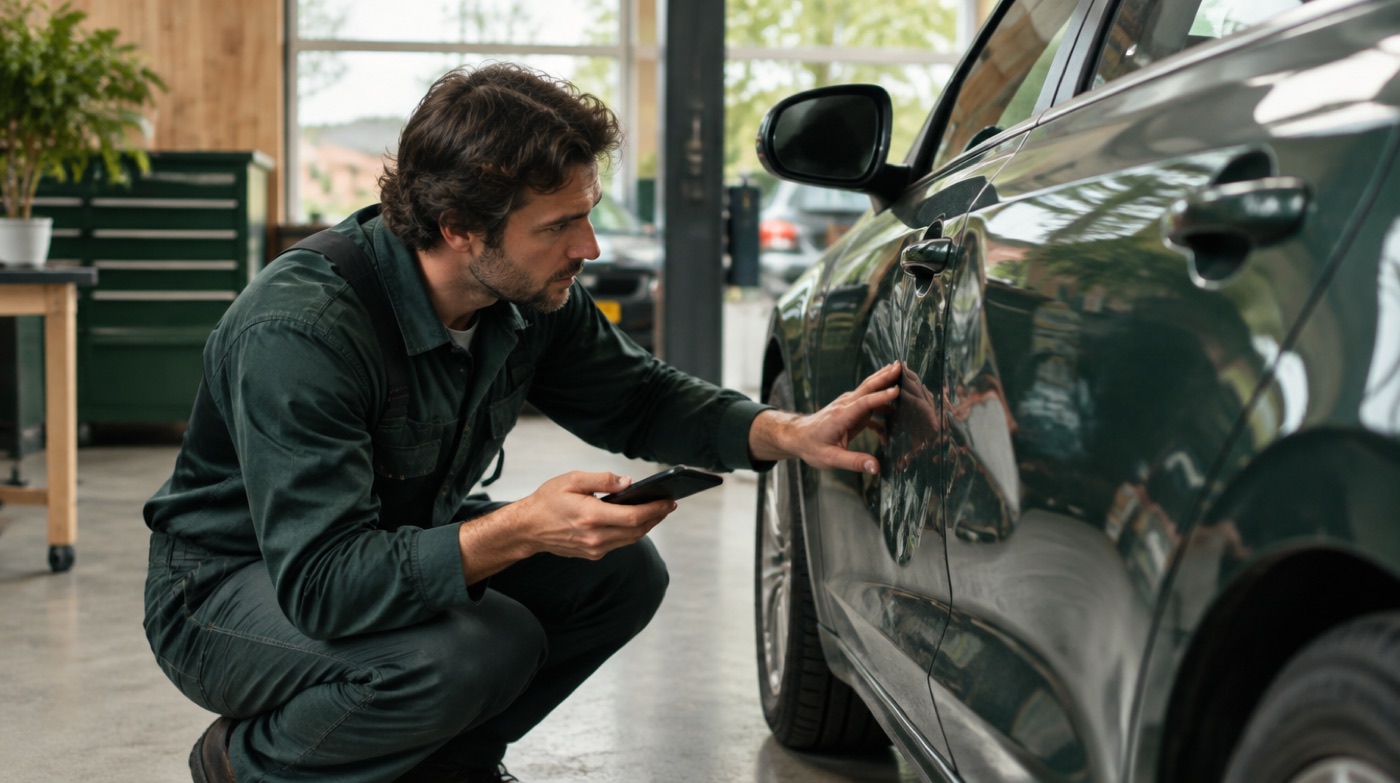
A customer sends four photos of a dented bumper. The repairer receives them straight away, replies "Bring it in Tuesday at 9, it takes two days", and the customer gets that answer from the business number.
What changes
- Damage photos arrive with the person who prices the job.
- Customers get an answer while the owner is with another client.
- Status questions ("is my car ready?") go to the workshop.
Typical WhatsApp messages at an auto body shop
At a body shop most customer contact starts with photos. Customers send pictures of the damage for a first estimate, ask when the car is ready, or forward a letter from their insurer. These are common messages and who usually knows the answer.
| Customer message | Who usually knows the answer | What helps |
|---|---|---|
| Photos of a dent or scratch: "what will this cost?" | Estimator or repairer | Photos from several angles show the size of the damage before the car comes in. |
| "Is my car ready yet?" | Repairer or workshop manager | Only the workshop knows whether paint and assembly are finished. |
| A damage report form or insurer letter as a document | Owner or office | The document arrives as it was sent, so it can be filed with the job. |
| Location pin: "the car cannot be driven" | Owner or planner | The location shows where the car is when transport has to be arranged. |
| "Yes, go ahead with the extra repair" | Repairer working on the car | The job continues without waiting for a phone call. |
Estimator or repairer: one coworker per customer
Each customer conversation goes to one coworker at a time; on Pro or Pro+ new customers are offered to all your coworkers. Many body shops choose the estimator during the day, because damage photos are the most common message and they need a price. When the estimator is off, switch the coworker in the dashboard to the repairer or the owner. After closing time, use Pause: messages wait until you switch forwarding back on. Ask customers to send one photo from a few metres away and one close up, in daylight; that saves a round of questions. If several estimators must see and answer the same chats, a team inbox fits better. If you only want to tell customers your opening hours, the free away message in WhatsApp Business may be enough.
Customer numbers, licence plates and documents
By default the repairer sees "Customer 1", "Customer 2" instead of phone numbers, so customer numbers do not end up on the private phones of apprentices or temporary staff. Photos, voice notes and documents still come along, so a licence plate or a damage report form reaches the person who needs it. Treat these as personal data: agree who keeps them and for how long. The customer keeps one number for the estimate, the pickup and later questions. For servicing and mechanical work, see WhatsApp forwarding for garages. For your privacy notice, see WhatsApp Business and the GDPR.
How it works, in 3 steps
- Create an account at app.in-between.tech with your email address and a password. No card needed.
- Connect WhatsApp: scan the QR code or enter the pairing code, exactly like WhatsApp Web. Your phone keeps working as normal.
- Enter your coworker's number. From then on every customer message reaches your coworker. When they reply, the answer goes back to the customer from your business number.
Photos, locations, voice notes and documents come along. With Pause you stop forwarding temporarily, for example in the evening. Messages wait until you switch it back on.
Forward customer messages automatically. Replies go back from your number.
Try free for 30 daysFrequently asked questions
Do I need a new WhatsApp number?
No. You connect your existing WhatsApp or WhatsApp Business number, the same way you would connect WhatsApp Web. Customers keep messaging the number they already know.
Can my coworker see customer phone numbers?
Not by default. Your coworker sees "Customer 1", "Customer 2" and so on. You can choose to show numbers in the dashboard.
How much does it cost?
New accounts get 30 days of Pro+ free without a card. After that you can stay on free Basic (25 customer messages per month), or choose Pro at €87 per month (2,000 messages) or Pro+ at €142 per month (unlimited). Cancel monthly.
Does InBetween make a damage estimate from the photos?
No. InBetween only forwards the photos to the person who makes the estimate and sends that reply back from your business number. The estimate itself stays with your estimator and your own software.
Can the estimator and the repairer receive the same message?
Only the offer of a new customer goes to all coworkers. Once one answers Yes, that customer's messages go only to that coworker. You can switch a customer in the dashboard, for example when the estimator is off. If several people must answer the same chats, a team inbox is the better fit.