
How it works, in 3 steps
- Create an account at app.in-between.tech with your email address and a password. No card needed.
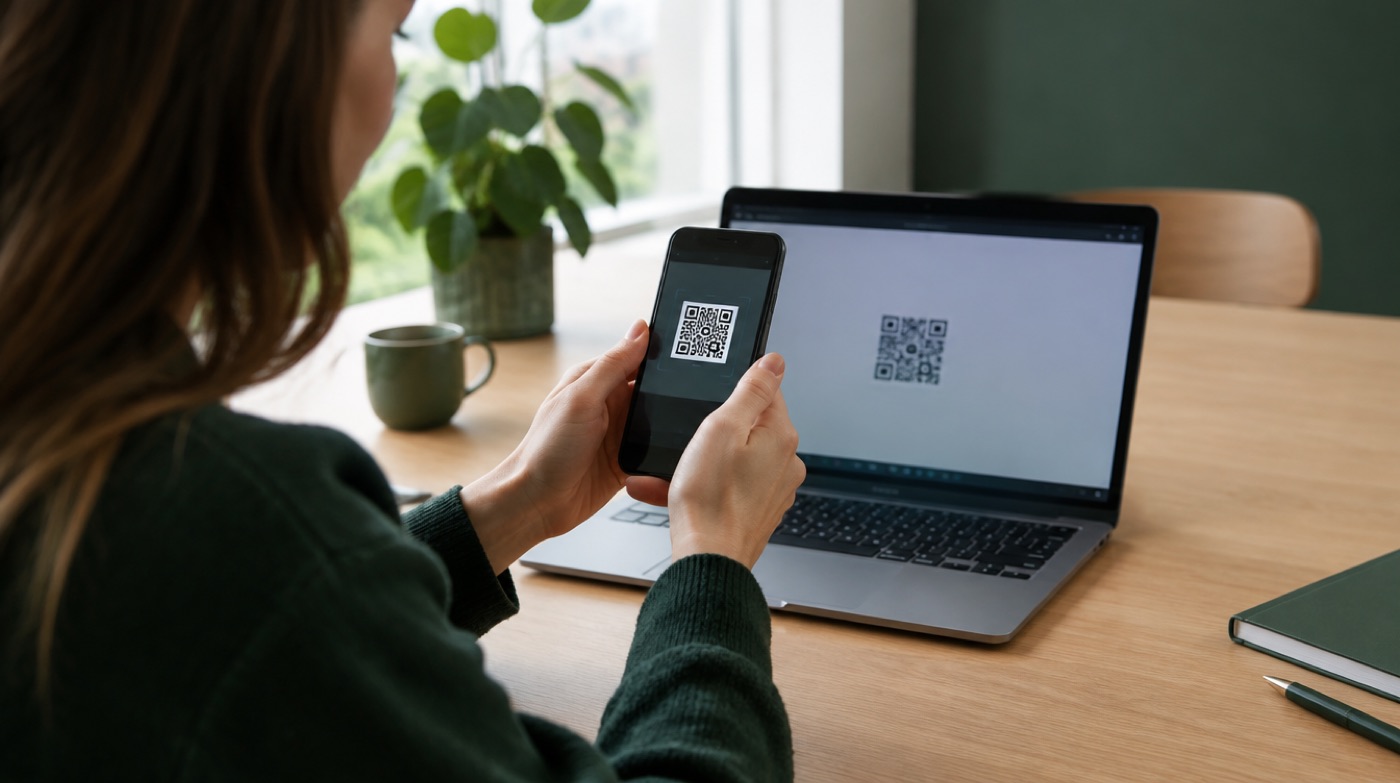
- Connect WhatsApp: scan the QR code or enter the pairing code, exactly like WhatsApp Web. Your phone keeps working as normal.
- Enter your coworker's number. From then on every customer message reaches your coworker. When they reply, the answer goes back to the customer from your business number.
Photos, locations, voice notes and documents come along. With Pause you stop forwarding temporarily, for example in the evening. Messages wait until you switch it back on.
What everyone sees
Use it like an app
app.in-between.tech is a web app. On iPhone: Safari, Share, Add to Home Screen. On Android: Chrome, menu, Add to Home screen. It then opens like an app.
Under the hood
InBetween runs as a linked device of your WhatsApp account, the same mechanism WhatsApp Web uses. It is not the WhatsApp Business API and not an official Meta product. Session data is stored encrypted on servers in Germany; see privacy and security.
Forward customer messages automatically. Replies go back from your number.
Try free for 30 days| Who | Sees |
|---|---|
| Customer | A normal WhatsApp conversation with your business number. |
| Coworker | Messages from "Customer 1", "Customer 2" in their own WhatsApp, without the number (unless you enable it). |
| Owner | A dashboard with every conversation, a pause button, coworker switching and privacy settings. |
Frequently asked questions
Does my phone need to stay on?
Your phone keeps working normally. InBetween runs as a linked device on our servers, like WhatsApp Web, so forwarding continues while your phone is in your pocket.
What happens when I press Pause?
Forwarding stops. New customer messages stay on your own phone as usual, until you switch forwarding back on.
Is the app available in English?
The website is available in English and six other languages. The app dashboard is currently in Dutch. Setup is three steps (account, QR code, coworker number), and in.between.techsolutions@gmail.com can help if you get stuck.