
Example
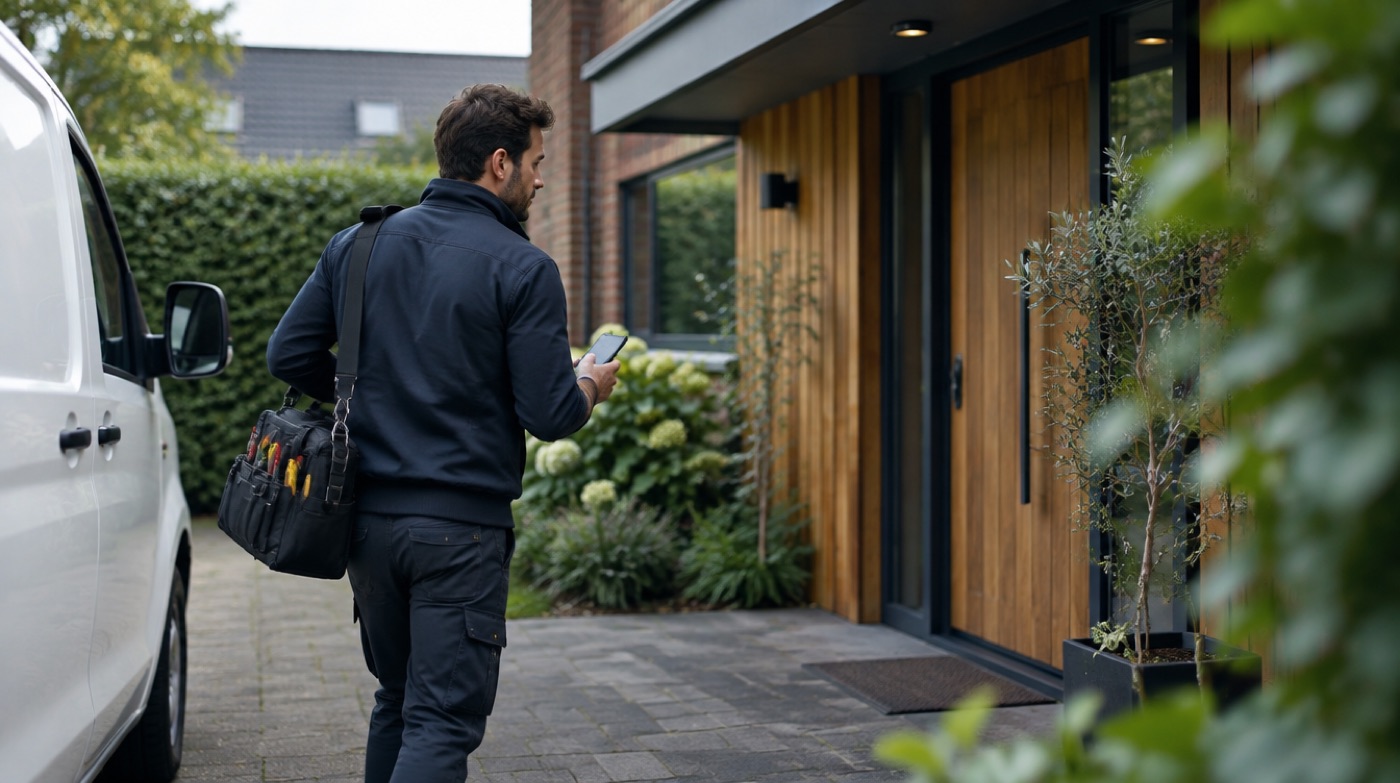
A customer sends a photo of a leaking tap to the business number. The technician sees it straight away in their WhatsApp as "Customer 3" and replies "I can be there at 2 pm". The customer receives that reply from the business number. The owner does not have to do anything and can read along in the dashboard.
Why not just use call forwarding?
Call forwarding only works for phone calls. WhatsApp messages stay on the device where the number is registered. That is why you need a forwarding service for WhatsApp.
Typical customer messages and what the technician does with them
Most messages a field business gets on WhatsApp are short and practical. The person on site usually knows the answer faster than the office.
| Customer sends | What the technician sees | Typical reply |
|---|---|---|
| Photo of a leak, broken part or error code | The photo, as "Customer 3" | A first assessment, or which part to bring |
| Location pin of the address | The location, ready to open in maps | "On my way, there in 20 minutes" |
| Voice note describing the problem | The voice note, playable in the car once parked | A short voice note or text back |
| "When are you coming?" | The question, without the customer's number | A time slot |
| Invoice or quote question | The question | "I will ask the office", or an answer if agreed |
Several technicians: who gets which message?
Each customer conversation goes to one coworker at a time. On Pro or Pro+ a new customer is offered to all technicians (up to 2 or 20) and the first to answer Yes keeps that customer. With a single coworker on the account, the usual setups are:
- One technician on duty per day or shift. Change the coworker in the dashboard in the morning; new messages go to that person straight away.
- The office receives, the technician gets the job. The planner is the coworker and passes on what is needed. Simple, but slower.
- Pause outside working hours, so nobody gets customer messages in the evening.
Do several technicians need to see and answer the same chats? Then a shared team inbox fits better than InBetween. For a one-person business, the free WhatsApp Business app is often enough. The InBetween dashboard is currently only in Dutch.
What the technician needs
- Their own phone with WhatsApp. Nothing to install, no new app.
- That is it. They reply to the forwarded message as they would to any chat.
How it works, in 3 steps
- Create an account at app.in-between.tech with your email address and a password. No card needed.
- Connect WhatsApp: scan the QR code or enter the pairing code, exactly like WhatsApp Web. Your phone keeps working as normal.
- Enter your coworker's number. From then on every customer message reaches your coworker. When they reply, the answer goes back to the customer from your business number.
Photos, locations, voice notes and documents come along. With Pause you stop forwarding temporarily, for example in the evening. Messages wait until you switch it back on.
Forward customer messages automatically. Replies go back from your number.
Try free for 30 daysFrequently asked questions
Can the technician send photos back?
Yes. Photos, voice notes and documents the technician sends in reply go back to the customer from the business number.
What if I want another technician to take over?
Change the coworker in the dashboard. New customer messages go to the new technician straight away.
Can two technicians get the same message at the same time?
Only the offer of a new customer goes to all coworkers. Once one answers Yes, that customer's messages go only to that coworker. You can switch a customer in the dashboard. If several people must answer the same chat in parallel, a shared team inbox fits better.
Can my coworker see customer phone numbers?
Not by default. Your coworker sees "Customer 1", "Customer 2" and so on. You can choose to show numbers in the dashboard.