
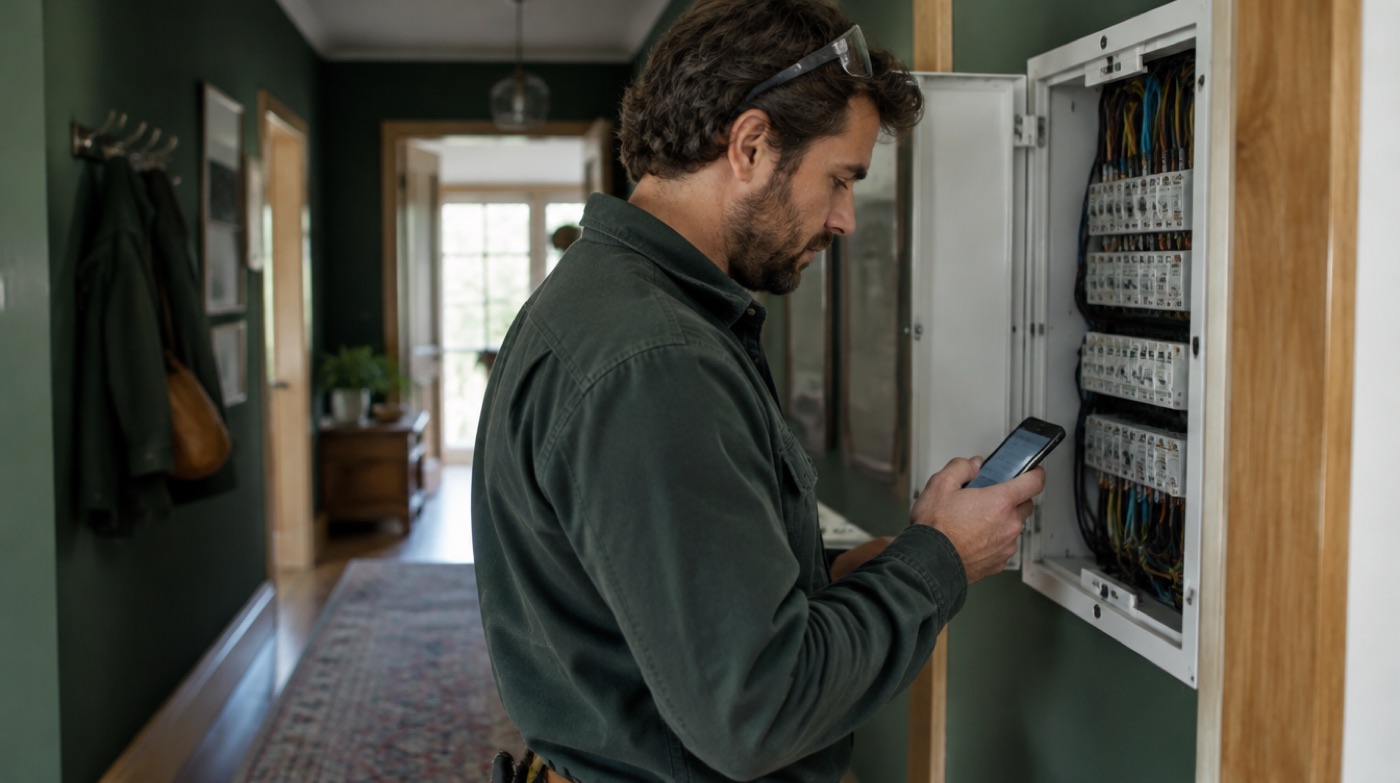
Sound familiar?
- An RCD that keeps tripping is urgent, but you only read the message after the job.
- Photos of fuse boards have to be passed on to the electrician who can judge them.
- Quote requests for EV chargers and rewires get buried under everything else.
- Your electricians end up using their personal WhatsApp for customers.
What customers of electricians send on WhatsApp
Example
A customer sends a photo of the consumer unit with "Everything is off and the RCD keeps tripping". The electrician sees it and replies "Unplug everything in the kitchen, I can be there within the hour".
What it looks like
What you get
| Without InBetween | With InBetween | |
|---|---|---|
| Customer message | Owner reads it, phones it through, retypes the answer | The electrician gets it directly |
| Response time | Hours, sometimes only after work | Minutes, as soon as the electrician looks |
| Evenings and weekends | Owner keeps an eye on the phone | Switch the recipient in the dashboard |
| Number the customer sees | Sometimes an employee's personal number | Always the business number |
| Customer privacy | Employee has every chat | Employee sees "Customer 1", no number |
What it costs
You start with 30 days of Pro+ free, without payment details. After that you choose Pro at €87 per month (2,000 messages) or Pro+ at €142 per month (unlimited), or you stay on free Basic with 25 customer messages per month. You cancel with one click and your paid month simply runs to its end.
Honestly: what it does not do
InBetween sends each customer conversation to one recipient at a time, for example the electrician or the planner; on Pro or Pro+ new customers are offered to all your coworkers. It does not split messages by topic, and it is not scheduling software or a CRM. It is also not an official Meta product: you link your number the same way as WhatsApp Web.
How it works, in 3 steps
- Create an account at app.in-between.tech with your email address and a password. No card needed.
- Connect WhatsApp: scan the QR code or enter the pairing code, exactly like WhatsApp Web. Your phone keeps working as normal.
- Enter your coworker's number. From then on every customer message reaches your coworker. When they reply, the answer goes back to the customer from your business number.
Photos, locations, voice notes and documents come along. With Pause you stop forwarding temporarily, for example in the evening. Messages wait until you switch it back on.
Forward customer messages automatically. Replies go back from your number.
Try free for 30 days| Message | Example | Who picks it up |
|---|---|---|
| Fault | A photo of a consumer unit with a tripped breaker | Electrician on call |
| Quote | "How much for an EV charger on the drive?" | Owner |
| Location | Address of a commercial unit with a side entrance | Electrician on the road |
| Booking | "Could you do the EICR on Tuesday?" | Planner |
Frequently asked questions
Can I send messages to another electrician if someone is off sick?
Yes. In the dashboard you choose a different recipient in a few taps.
Do I need a new WhatsApp number?
No. You connect your existing WhatsApp or WhatsApp Business number, the same way you would connect WhatsApp Web. Customers keep messaging the number they already know.
Can my coworker see customer phone numbers?
Not by default. Your coworker sees "Customer 1", "Customer 2" and so on. You can choose to show numbers in the dashboard.
How much does it cost?
New accounts get 30 days of Pro+ free without a card. After that you can stay on free Basic (25 customer messages per month), or choose Pro at €87 per month (2,000 messages) or Pro+ at €142 per month (unlimited). Cancel monthly.